
Parental controls on a child's phone in Singapore now start inside the app store. Under an IMDA code in force since 31 March 2025, the five designated app stores (Apple App Store, Google Play Store, Huawei AppGallery, Microsoft Store and Samsung Galaxy Store) must check ages and keep under-18s from 18+ apps by default; Samsung, Huawei and Microsoft each report new age checks during 2026. IMDA's first assessment of them, published on 24 October 2026, found the age checks generally hard to get around, but its mystery shoppers still found 65 harmful apps and 24 wrongly age-rated apps among more than 7,000 tested.
So the defaults help but are not enough. Before you hand over a phone, give the child their own account in your family group, turn on approval for every download, set an age-rating ceiling, and keep your own account and credit card off the device.
At a glance
- 31 March 2025: IMDA's online safety code for app stores took effect, its 15 January 2025 release says, requiring age checks on the five stores.
- 1 April to 31 December 2025: the period IMDA's first app store assessment covers, according to its factsheet on the findings.
- 27 March 2026: Samsung's report to IMDA says every Galaxy Store user in Singapore must complete an age assurance step from this date.
- 1 April 2026: Huawei's report to IMDA says new AppGallery users must bind a valid credit card to confirm they are adults from this date, with the step rolled out to existing users by 1 August 2026.
- 24 October 2026: IMDA published its first Online Safety Assessment Report on the app stores: 65 harmful apps and 24 wrongly age-rated apps were removed or re-rated only after IMDA notified the stores.
What did IMDA's app store test find?
IMDA simulated the age checks, ran mystery shopper tests and read the stores' annual reports. Its factsheet found:
- Age checks worked, mostly. They were present and well implemented on all five stores, though a small percentage of Huawei AppGallery users could get around them on certain versions; Huawei has committed to work with IMDA on it. No age check is completely foolproof, IMDA adds.
- 18+ apps were largely blocked for children, once a store had established a user was under 18. IMDA found limited instances on Huawei AppGallery and Microsoft Store where the restriction was missing or a child could turn it off; these have mostly been rectified.
- Some apps slipped through. The 24 wrongly rated apps, on the Apple, Google and Huawei stores, should have been rated 18+; the most common harmful content was sexual or violent, or facilitated vice and organised crime.
- Removed apps were not always flagged. Google Play Store and Samsung Galaxy Store did not notify users who had downloaded an app within six months of its removal, and every store was inconsistent, or failed entirely, in telling users the outcome of their reports.
Our takeaway, not IMDA's: an age rating is a judgement, not a guarantee, and a removed app may stay on your child's phone unannounced.
What each app store's parental controls do
Each store described its child protections in a 2025 report filed with IMDA and published on IMDA's online safety page. These are the companies' own descriptions, which we did not test.
- Apple App Store: in Apple's report, users under 16 in Singapore must be part of Family Sharing. Ask to Buy, which sends each download or purchase to a parent for approval, is on by default for child accounts under 16 and can be switched on up to 18. Screen Time can block apps above a chosen rating and set time limits. To unlock 18+ apps, a user confirms their age with their own credit card or by scanning a passport, driving licence, NRIC or FIN card.
- Google Play Store: Google's report says children under 13 must be supervised through Family Link, and need a parent's approval to leave supervision when they turn 13. Under 13, every Play download needs parental approval by default, and all under-18 accounts are blocked from 18+ apps, supervised or not. Family Link sets screen time limits and can block an app even after it has been downloaded.
- Huawei AppGallery: Huawei's report says a child's age comes from the date of birth given at registration, and parents can change that age higher or lower. Its Digital Balance mode sets screen time limits and controls the content a child can reach.
- Microsoft Store (Windows and Xbox): Microsoft's report says Family Safety controls are restricted by default when a child account is created and only the linked parent can change them. Parents set a rating limit and approve requests. Microsoft says it is deploying age checks in 2026 using facial age estimation, government ID or Singpass.
- Samsung Galaxy Store: Samsung's report says a user who skips the credit card check is treated as "Age Not Verified" and sees only age-appropriate content. Samsung Kids is an opt-in child mode; for older children, Samsung points to Google Family Link.
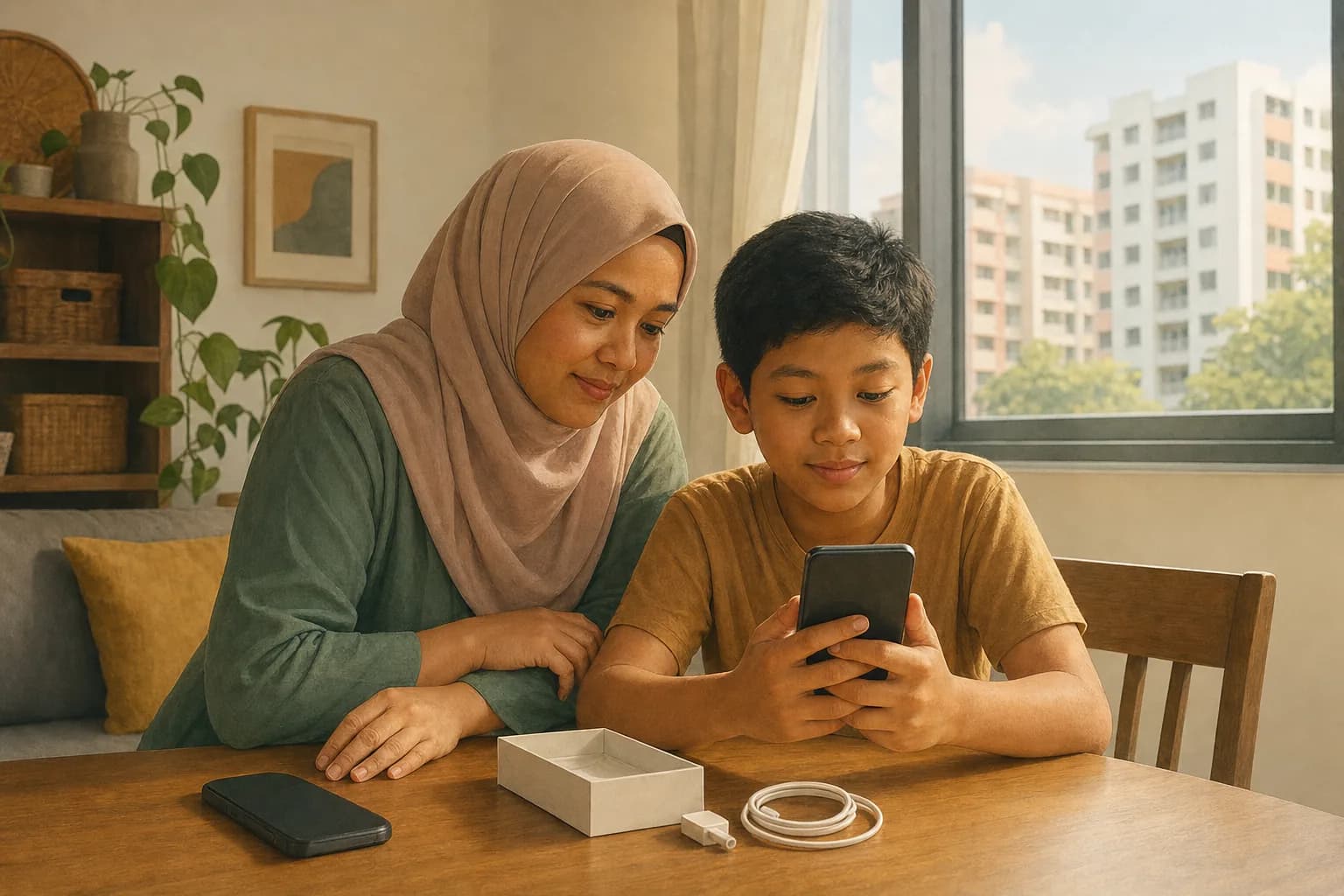
Why the phone should run on the child's own account
Three stores say in their reports that they accept a credit card as proof of adult age: Apple checks whether an account has a credit card on file, Samsung may use a card already saved in the account, and Huawei asks users to bind one. What follows is our own reading of those reports, not an IMDA finding: a child using a parent's account, or a phone still signed in to one, may be treated as an adult.
Hand-me-down phones need care too: Apple says 18+ apps downloaded before its age checks began can keep receiving updates. Reset an old phone and set it up fresh under the child's own account; our guide to trading in or recycling an old phone covers backing up and wiping it. Buying used instead? Run the checks in our guide to buying a second-hand phone first.
How to set up parental controls before handing over a phone
A checklist built from the stores' reports and IMDA's findings:
- Create the child account from your own, in Family Sharing, Family Link or the Microsoft or Huawei equivalent, with the child's real date of birth; every default follows that age.
- Turn on approval for every download and purchase: Ask to Buy on Apple, download approvals in Family Link, purchase approval in Microsoft Family Safety.
- Set an age-rating ceiling that suits your child. IMDA's baseline asks stores only to keep under-18s from their highest-rated apps, such as 18+.
- Keep your account and card off the device: sign out of yours, and save no card in the child's account.
- Set time limits with Screen Time, Family Link, Digital Balance or Family Safety.
- Check the installed apps once a month. IMDA found that some stores did not tell users when an app they had downloaded was removed.
- Report a bad app and screenshot the report, since stores were inconsistent in telling users what happened next.
- Revisit the settings at 13 and 16. Google says a supervised child stays under Family Link until a parent approves leaving it or the child turns 18; Apple says users from 16 can create their own account.
Do app store age ratings mean an app is safe for my child?
No. A rating reflects what the store, or the developer answering its questionnaire, says the content is; Google and Microsoft both use International Age Rating Coalition ratings. The 24 under-rated apps are a small share of more than 7,000 tested, but enough to keep download approval on for younger children.
Settings are only part of it: in MDDI's Digital Parenting Study only 37% of parents felt confident guiding their child's digital habits, IMDA said on 1 November 2025; its four suggested actions are to set boundaries (including parental controls), think before acting, report inappropriate content, and engage with your child. More guides to weighing what you buy are in the comparing topic.
Common questions
Which app stores in Singapore must check a user's age?
Apple App Store, Google Play Store, Huawei AppGallery, Microsoft Store and Samsung Galaxy Store, under IMDA's app store code in force since 31 March 2025.
Can a child download an 18+ app in Singapore?
Not by default on a child's account, though IMDA found limited loopholes on Huawei AppGallery and Microsoft Store, mostly fixed. In our reading of the stores' reports, a child on an adult's account may also be treated as an adult.
What did IMDA's October 2026 app store report find?
Age checks were well implemented on all five stores, but mystery shoppers found 65 harmful and 24 wrongly age-rated apps among more than 7,000, fixed only after IMDA flagged them.
Which parental control matters most for a younger child?
Approval for every download and purchase, such as Apple's Ask to Buy or Family Link's download approvals, because age ratings can be wrong.
Sources
- its 15 January 2025 release imda.gov.sg
- factsheet on the findings imda.gov.sg
- IMDA published its first Online Safety Assessment Report imda.gov.sg
- IMDA's online safety page imda.gov.sg
- Apple's report imda.gov.sg
- Google's report imda.gov.sg
- Huawei's report imda.gov.sg
- Microsoft's report imda.gov.sg
- Samsung's report imda.gov.sg
- IMDA said on 1 November 2025 imda.gov.sg
Something changed or worth adding?
Send a correction or suggestion

