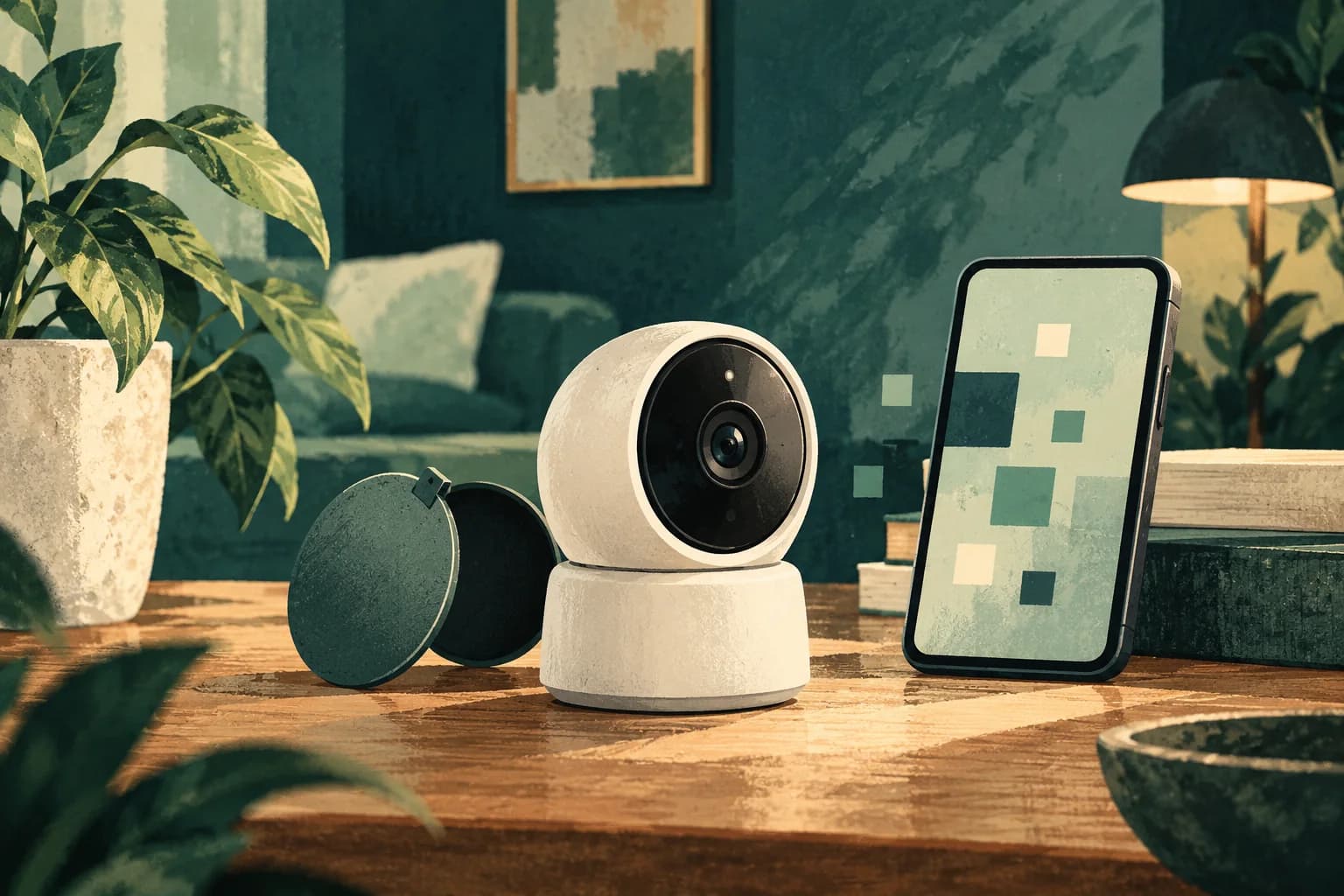
A home security camera should be compared by the view it needs, its total cost and the information it records. Buying more cameras than the household can manage may create blind spots in maintenance and privacy. Start with the doorway or area of concern, then ask what installation and ongoing support the exact model requires.
What should the camera see?
For an illustrative flat entrance, draw the doorway, power point, Wi-Fi signal and the view needed to verify a delivery. This home is fictional. Avoid pointing a camera unnecessarily into a neighbour's private space or a shared area without checking applicable building rules and advice. Ask the seller for mounting, power, night performance, weather resistance if outdoors, storage options and a sample image from a comparable installation. A glossy product page cannot prove what the unit will capture at your doorway. Our home-router guide helps test connectivity at the chosen location.
If video can identify people, consider who can view it, how long recordings remain, how accounts are secured and what happens when the camera is sold. PDPC's data-protection obligations are an official reference for organisations handling personal data; a household's exact legal position depends on the setting and use. Do not use a broad privacy slogan from a maker as a substitute for reading its account and cloud terms. Ask whether recordings stay local, use a cloud subscription or both.
What is the full ownership price?
Request the camera, mount, storage card or hub, installation, wiring, cloud plan, replacement parts, support and cancellation terms. A fictional Model A might cost less upfront but require a subscription to retrieve older clips; Model B may cost more and support local storage. Compare a two-year total and what features disappear when a plan ends. CCCS's price-transparency guidance is a prompt to ask for the final payable amount and promotion conditions. Its quality-claims guide helps question broad claims such as “complete protection”. A camera records a view; it does not guarantee prevention.
Ask whether the installer will show how to change passwords, update firmware, set notifications and export a clip. Check the warranty and what support remains if the app changes. Our appliance-installation guide offers a general handover test for home equipment, and the online-store-data guide helps consider data flows when buying through a platform.
What should be tested after installation?
Review day and night footage from the intended angle, test alerts and confirm who has access. Delete installer access when the job ends unless ongoing support is explicitly agreed. Keep a note of model, serial number, account owner, storage plan and support route. You can send TBYB a camera-quote question for editorial guidance. We do not install security systems or promise a provider match.
Choose who in the household can view live video, change settings and download clips. Shared logins make it difficult to remove one person’s access later. Ask how alerts behave during a power or internet outage and whether the camera reconnects automatically. If the household travels, test remote access before relying on it. A visible indicator or sign may be appropriate in some settings; seek advice on the actual building and legal context. Keep the installation from blocking doors, wiring routes or safe maintenance access.
Common questions
Does a camera subscription always include video storage?
Read the exact plan, retention period and export terms for the model.
Should installer access remain open indefinitely?
Agree an ongoing support role or remove access after handover.
Does a camera guarantee home security?
No. Treat it as one tool with a defined view and maintenance needs.
Sources
- data-protection obligations pdpc.gov.sg
- price-transparency guidance ccs.gov.sg
- quality-claims guide ccs.gov.sg
Something changed or worth adding?
Send a correction or suggestion